

History
To access the History screen, select the relevant solution from the System Overview screen, then select History from the menu on the left.
The history of the Solution’s deployment and subsequent updates are displayed.
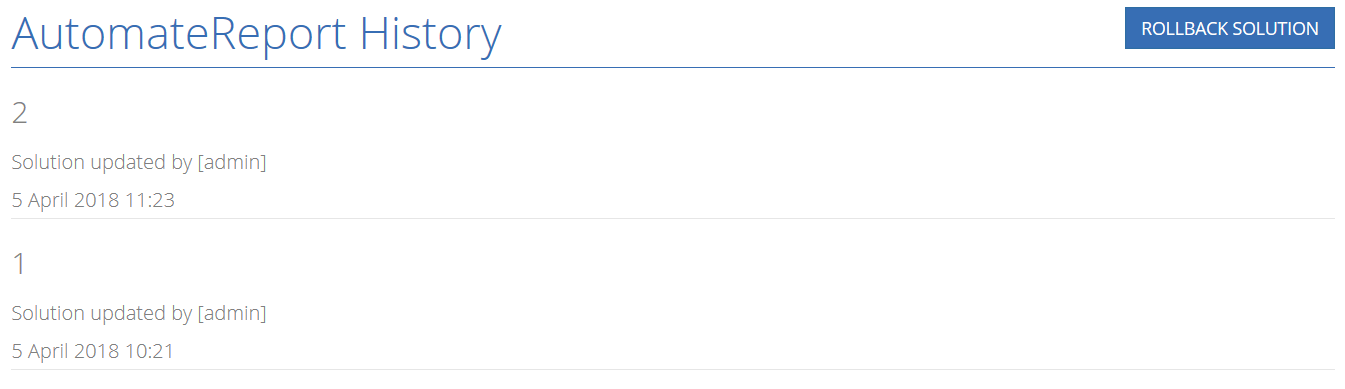
Click the Rollback Solution button to perform a rollback to the previous version of the solution.