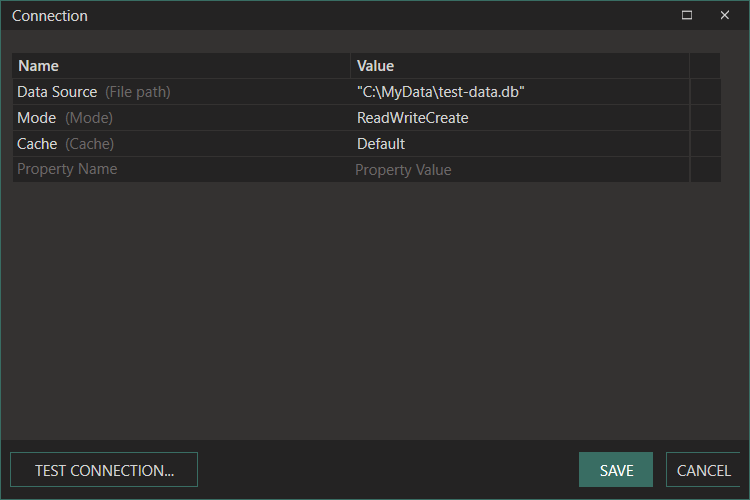
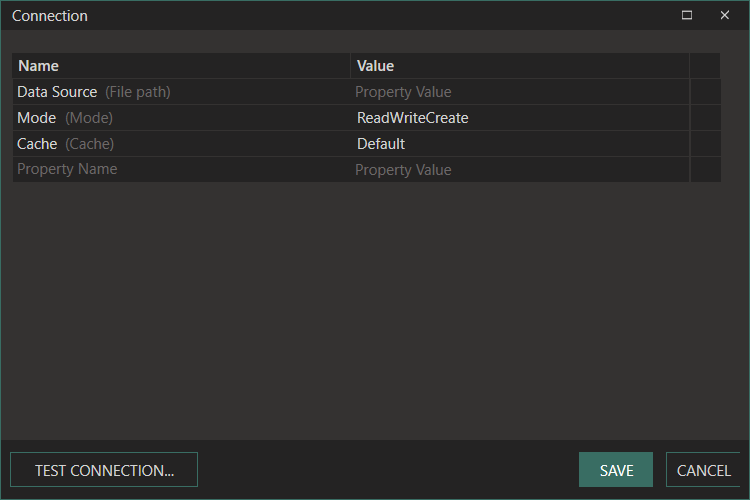
ConnectionEditor
The connection string specifies the configuration values required to connect to the SQLite database.
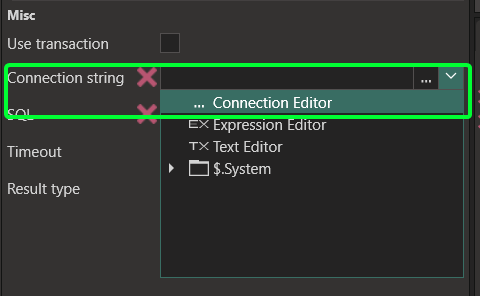
To access the Connection Editor, click the … icon in the Connection string property.
Once your connection is set up, you can create and execute SQL queries. See the SQL Editor for details.
Connection string
Section titled “Connection string”Data Source=C:\Data\myapp.db
| Keyword | Values | Default | Description |
|---|---|---|---|
Data Source | File path or :memory: | (required) | Absolute path to the .db file, or :memory: for an in-memory database |
Mode | ReadWriteCreate, ReadWrite, ReadOnly, Memory | ReadWriteCreate | Controls how the database file is opened |
Cache | Default, Private, Shared | Default | Enables connection sharing for in-memory databases |
Timeout | Integer (seconds) | 30 | Maximum time to wait if the database is locked |
Password | Any string | (none) | Requires a SQLCipher-compatible library |