

ConnectionEditor
The connection string specifies the configuration values required to connect to the PostgreSQL database.
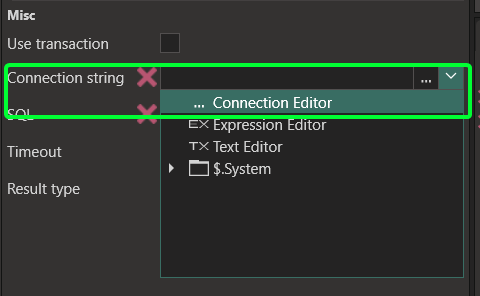
To access the Connection Editor, click on the … icon.
To access the Connection editor, click the ”…” or select it from the dropdown in the Connection string property.
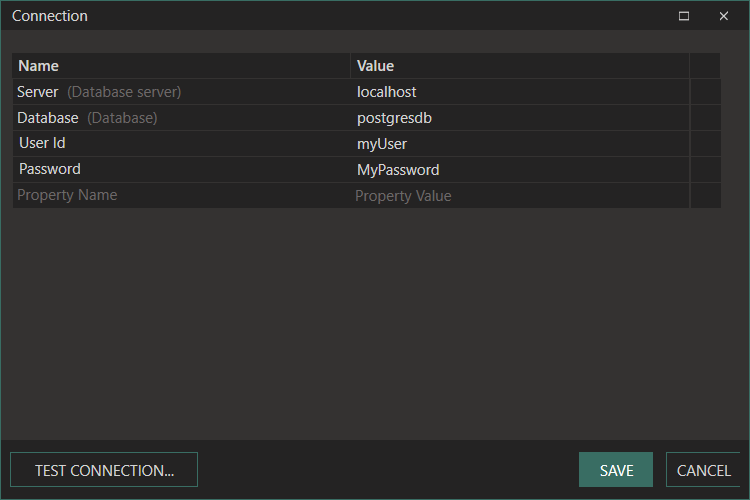
The connection editor looks like this:

Once you have set up a connection to your database, you can create and execute your own SQL queries. Go here for details on SQL Editor.
Examples of connections
Section titled “Examples of connections”PostgreSQL
Section titled “PostgreSQL”Below is an example of a PostgreSQL connection string:
Server=localhost;Database=MyDatabase;User Id=MyUser;Password=MyPassword;
Connection strings